Services · QuickBooks Migration
QuickBooks to ERP: Automated Historical Migration
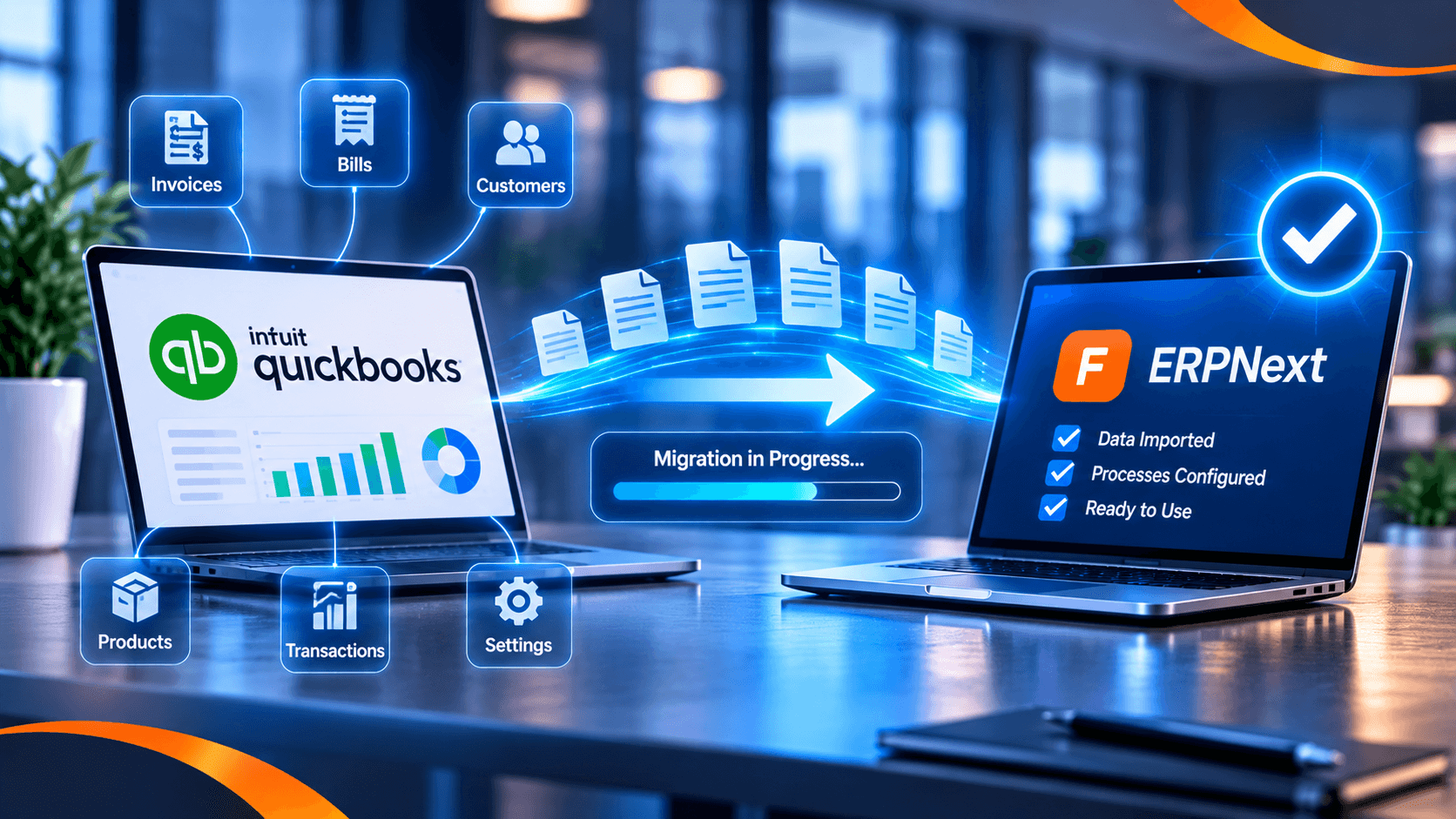
We move your business off QuickBooks Online and into a modern ERP using our proprietary migration tool — connecting directly to QuickBooks, pulling all data, reconstructing the historical ledgers and posting everything into the ERP without manual re-keying.
QuickBooks to ERPNext, automated
Who this is for
- Businesses outgrowing QuickBooks Online.
- Groups that need project, inventory or multi-entity reporting.
- UAE and Saudi companies moving to a unified ERP.
- Finance teams tired of re-keying or reconciling two systems.
What we migrate
- Chart of accounts and opening balances.
- Customers, vendors and contacts.
- Items, inventory and stock values.
- Historical invoices, bills, payments and journal entries.
- Open receivables and payables.
- Tax codes, currencies and bank details.
How our proprietary tool works
Our in-house migration tool connects directly to the client's QuickBooks Online instance, extracts the data, maps it to the ERP, reconstructs the ledgers as they existed historically and posts the result into the ERP. The process is automated end to end, with validation and reconciliation at each stage.
- Connect to QuickBooks Online with read-only access.
- Extract accounts, transactions and master data.
- Map to the ERP chart of accounts and dimensions.
- Trial migration and reconciliation to control totals.
- Final cutover with audit trail and rollback.
Proof
We have delivered QuickBooks-to-ERP migrations for Univest Business Machines in the UAE and Herbal Goodness in the US, including historical data migration and ledger reconstruction. See the case studies for the scope.
Timeline and approach
The timeline depends on data volume, historical depth and the ERP scope. We run a short assessment, then a trial migration and reconciliation before cutover, so finance can validate the numbers.
Frequently Asked Questions
Do you migrate historical transactions?
Yes. Our tool pulls historical transactions and reconstructs the ledgers in the ERP, not just opening balances.
Does it work with QuickBooks Online?
Yes. The proprietary tool connects directly to QuickBooks Online. We assess QuickBooks Desktop cases separately.
Will the balances reconcile?
We reconcile the migrated data to agreed control totals and give finance a validation report before cutover.
Which ERPs do you migrate to?
ERPNext and Odoo are our core platforms; we assess other ERPs case by case.
How long does it take?
It depends on data volume and history. We scope it after a short assessment.
Is our data secure?
Access is read-only, credentials are controlled, and the migration runs with an audit trail and rollback plan.
Related services
Next Step
Ready to talk about your ERP?
Book a consultation and we'll give you an honest assessment of your ERP path — even if it isn't us.