ERP Readiness · 9 min read
ERP Readiness: The Real Reason Implementations Fail
Lessons from 27 ERP implementations on stakeholder alignment, master data, business processes, user personas, workflow design and the people who make transformation succeed.
An ERP implementation rarely fails only because of the software. It fails because the organisation wasn't ready for the change.
In most failure cases, configuration started before the future-state process was agreed, data migration was under-estimated, and compliance was bolted on late instead of designed in.
Across 27 ERP implementations delivered by our team, we have seen the same pattern repeat itself: organisations invest heavily in software, infrastructure, consultants and customisation, yet overlook the most important factor determining success — their own readiness.
The assumption is often that once the requirements are documented, the software is configured and the users are trained, the organisation is ready to go live.
But readiness is not a deployment milestone. It is the foundation that must be established long before implementation begins.
An ERP system does not automatically fix fragmented processes, inconsistent data, unclear responsibilities or poor management discipline. In fact, it often exposes these weaknesses with greater visibility and, sometimes, at a much higher operational cost.
The organisations that achieve lasting value from ERP are not necessarily those with the most sophisticated software. They are the ones that prepare their people, processes and data for the transformation ahead.
Readiness is the unglamorous work before configuration: getting the right people to own the outcome, cleaning the data the system will run on, defining who can do what, documenting how work actually flows, and creating champions who will pull their departments forward. When that work is skipped, go-live becomes the start of the project rather than the end of it.
The system does not fail at go-live. It fails in the months before, when the business decides how much of itself it is willing to change.
1. Stakeholder readiness: Finance and Supply Chain must own it
The first readiness test is not technical. It is whether the people who run the business are in the room — and whether they are vested in the outcome.
Finance and Supply Chain are usually the two functions that make or break an ERP. Finance owns the ledger, controls, reporting and month-end. Supply Chain owns inventory, purchasing, fulfilment and the operational reality behind the numbers. If either group treats the ERP as an IT project, the project will inherit that distance.
The most common version of this problem is the spreadsheet trap. Finance teams have built their month-end around spreadsheets and legacy systems they understand. They are not resisting the ERP out of stubbornness; they are protecting a process that currently works. But if they do not move their reporting and close into the ERP, the business ends up with two realities: the ERP and the spreadsheet. Month-end stays manual, reconciliation stays slow, and nobody fully trusts either system.
2. Master data readiness
Master data is where ERP projects quietly accumulate risk. The system can only be as clean as the data it runs on. Before configuration, the business should clean and sanitise the domains that every transaction depends on.
- Customers and vendors — names, tax details, addresses, credit terms, contacts.
- Inventory and SKUs — item codes, descriptions, units, categories, pricing.
- Warehouses and locations — physical structure, bins, transfer rules.
- Employees and HR structure — contracts, grades, reporting lines, payroll components.
- Banks and modes of payment — accounts, payment types, approval limits.
- Policies to automate — sales commissions, payroll deductions, stock levels, MOQs, batch and expiry rules.
The five-example rule
A data field is not ready when it is populated. It is ready when the business has agreed what “good” looks like across the messy edges. For each critical area, prepare at least five examples: three that represent normal business and two that cover edge cases. A normal customer, a normal vendor, a normal item — then a customer with multiple ship-to addresses, a vendor with foreign currency, an item with batch and expiry, a return, a credit note, a partially delivered order.
Those examples become the test pack. They expose gaps in the data model, the workflows and the permissions before the implementation team disappears into configuration.
3. Roles and permissions: define personas first
“Who can see what?” is not a technical question to solve at the end. It is a business decision that should be made before the system is built.
Define the personas in the business — not job titles, but the actual ways people interact with the system. A finance controller, an AP clerk, a warehouse supervisor, a salesperson, a department head and a CFO do not need the same access.
For each persona, document the access level on each document type:
- Read — can view the document.
- Write / create — can create a new record.
- Amend — can change an existing record.
- Cancel / delete — can cancel or remove a record.
- Submit — can submit for approval or posting.
- Reporting — can see the related reports and totals.
- Sharing — can share the record with another user or role.
This persona matrix becomes the permission blueprint. It also becomes a control: when someone asks for extra access later, the business can see whether the request fits the persona or is an exception.
4. Workflow definition: every edge case, override and exception
A workflow is not a happy path. It is the set of decisions the business makes when the happy path does not apply. If those decisions are not written down, the system will encode someone’s guess.
For each core process — procure-to-pay, order-to-cash, record-to-report, hire-to-retire — define the steps, then define the edges:
- Who can override a step, and under what conditions?
- What happens when an approver is unavailable?
- Which exceptions require a second approval or a different role?
- What are the limits, thresholds and escalation rules?
- What happens when a document is rejected, partially delivered or returned?
- Which actions must be logged for audit?
The output should be concise and written for the implementation team, not a 200-page document that nobody reads. A workflow a consultant can follow without asking the business every week is ready.
5. The written hand-off
Readiness produces a hand-off: a clear reference the implementation consultant or team can work from. It should include the process maps, the master-data examples, the persona and permission matrix, the workflow edge cases and the reporting requirements.
Without that hand-off, the implementation team fills the gaps with assumptions. With it, configuration becomes traceable to a business decision.
6. Departmental champions
The best readiness work still fails if the departments do not adopt the system. This is where champions matter.
A champion is a respected person inside the department — not a project manager, not an IT representative. They are promoted into the role, given the time and authority to do it, and recognised for the go-live outcome. A reward tied to successful implementation, defined from the start, changes the incentive: the champion is not defending the old process; they are building the new one.
- One named champion per department.
- Time and authority to make decisions, not just attend meetings.
- A go-live reward or recognition agreed at the start.
- A direct line to the business sponsor.
- Responsibility for training and adoption in their team.
Champions do the work no consultant can do: they convince their peers, answer the “what does this mean for my day?” question, and take ownership after the consultants leave.
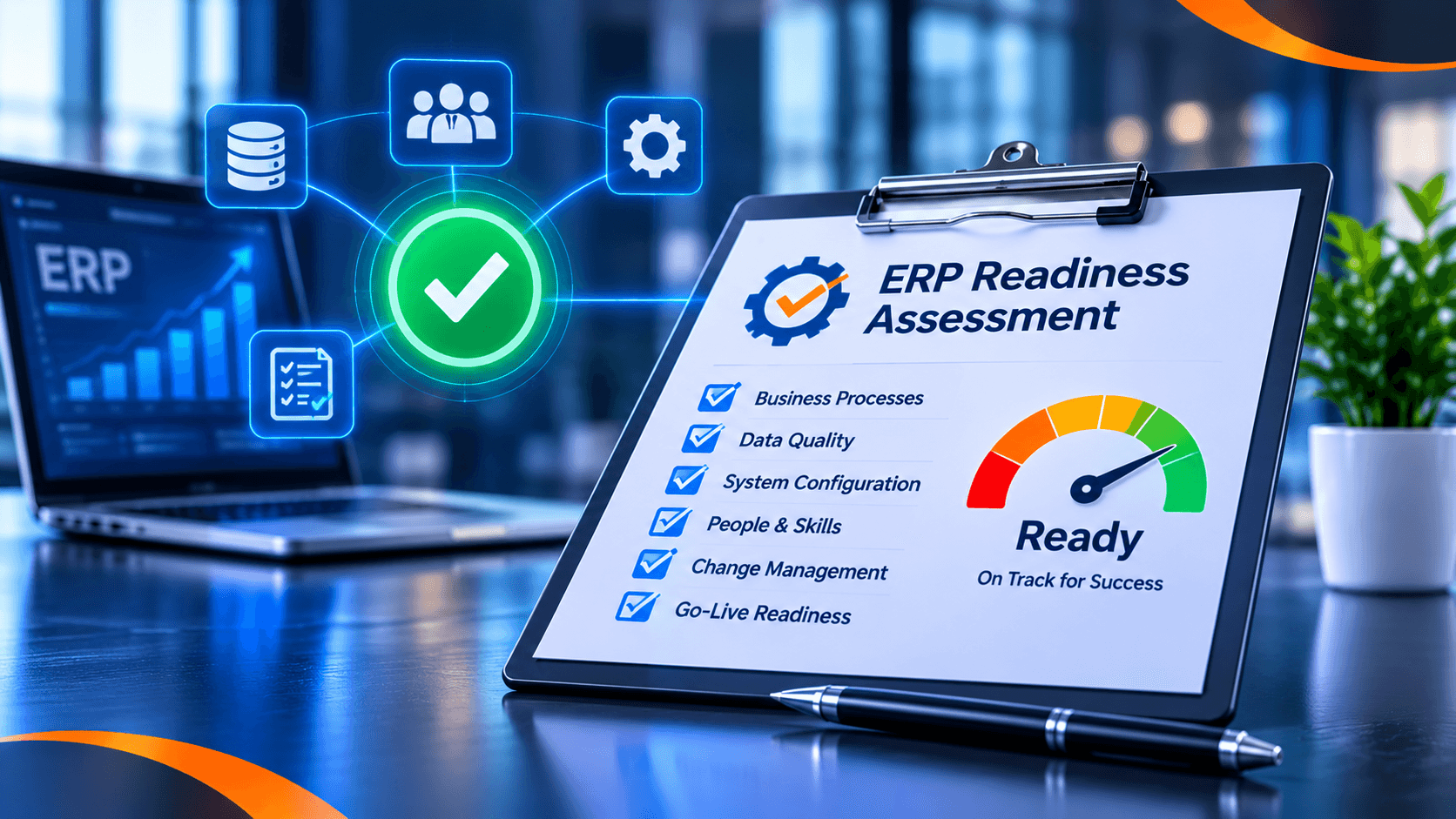
7. A readiness scorecard
A practical readiness check before configuration:
- A named business sponsor with decision authority.
- Finance and Supply Chain owners who will move their processes into the ERP.
- Master data cleaned, with five examples per critical area covering normal and edge cases.
- A persona and permission matrix for every role.
- Written workflows with overrides, exceptions and escalation rules.
- A written hand-off pack for the implementation team.
- A named champion per department, with a go-live incentive.
- A reporting requirement list agreed with finance and leadership.
If several of these are missing, the project is not ready for configuration. It is ready for a readiness assessment — which is far cheaper than discovering the gaps after go-live.
Book an ERP readiness assessment → · See ERP rescue and audit →
Frequently asked questions
What is ERP readiness?
ERP readiness is the work done before configuration: aligning stakeholders, cleaning master data, defining roles and permissions, documenting workflows and appointing departmental champions so the system can actually be adopted.
How long does a readiness assessment take?
A focused readiness assessment typically takes about one week, depending on the number of departments, data domains and stakeholders involved.
What should be ready before implementation starts?
A named business sponsor, departmental owners, cleaned master data with edge cases, a persona/permission matrix, documented workflows and at least one champion per department.